2.2 Internationalization
In this task, we will customize the texts used on different authentication screens for different languages.
1. Go to Advanced Options
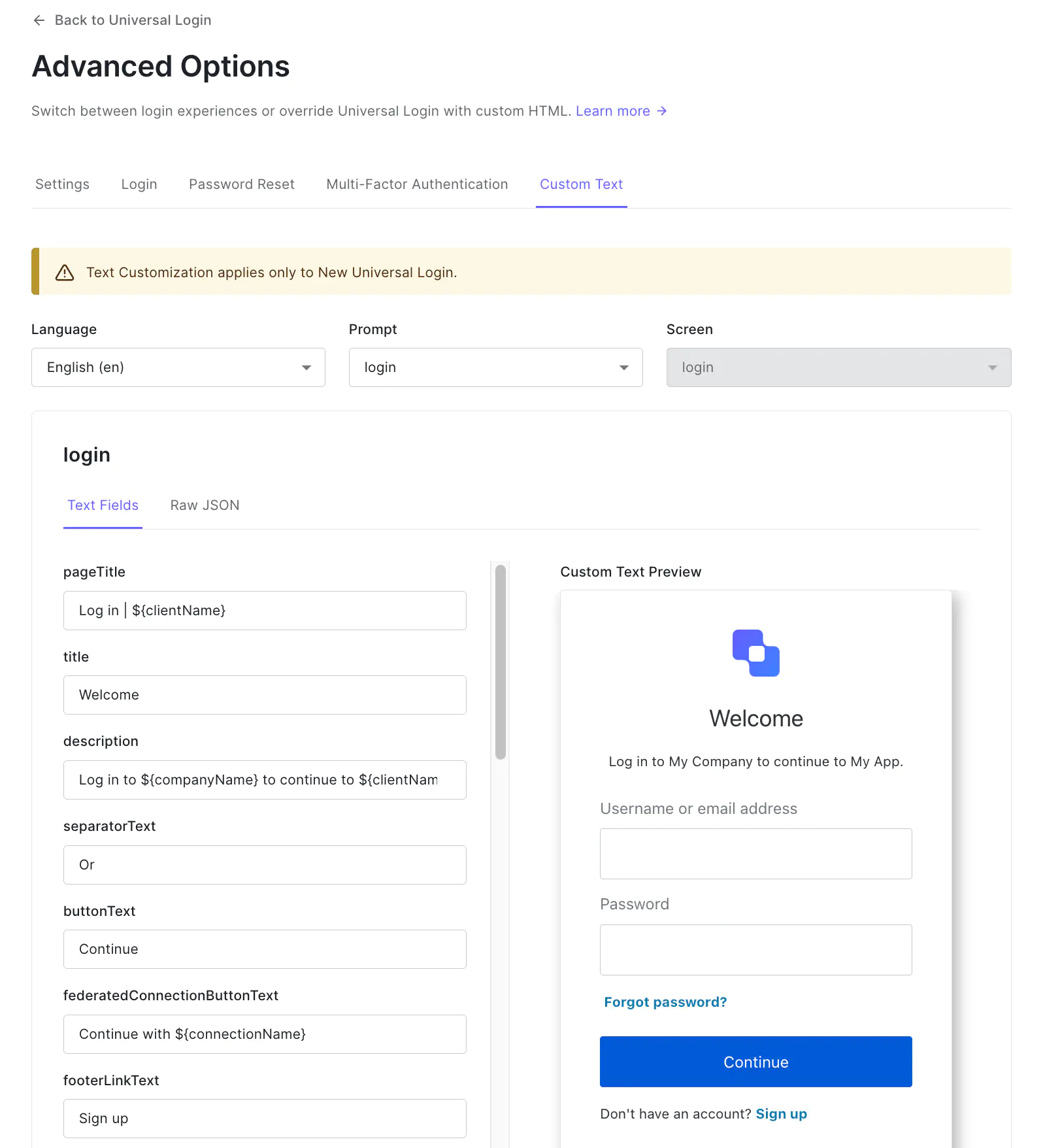
Go to Universal login under Branding in the Admin Dashboard and select Advanced Options.
2. Select languages and prompts
- Select the
Custom Texttab on the page. - Select the Language you want to customize
- Select the
promptand see the preview of the screen with custom texts - Change the text for different fields and save the changes
3. Enable ‘Spanish’ in the tenant
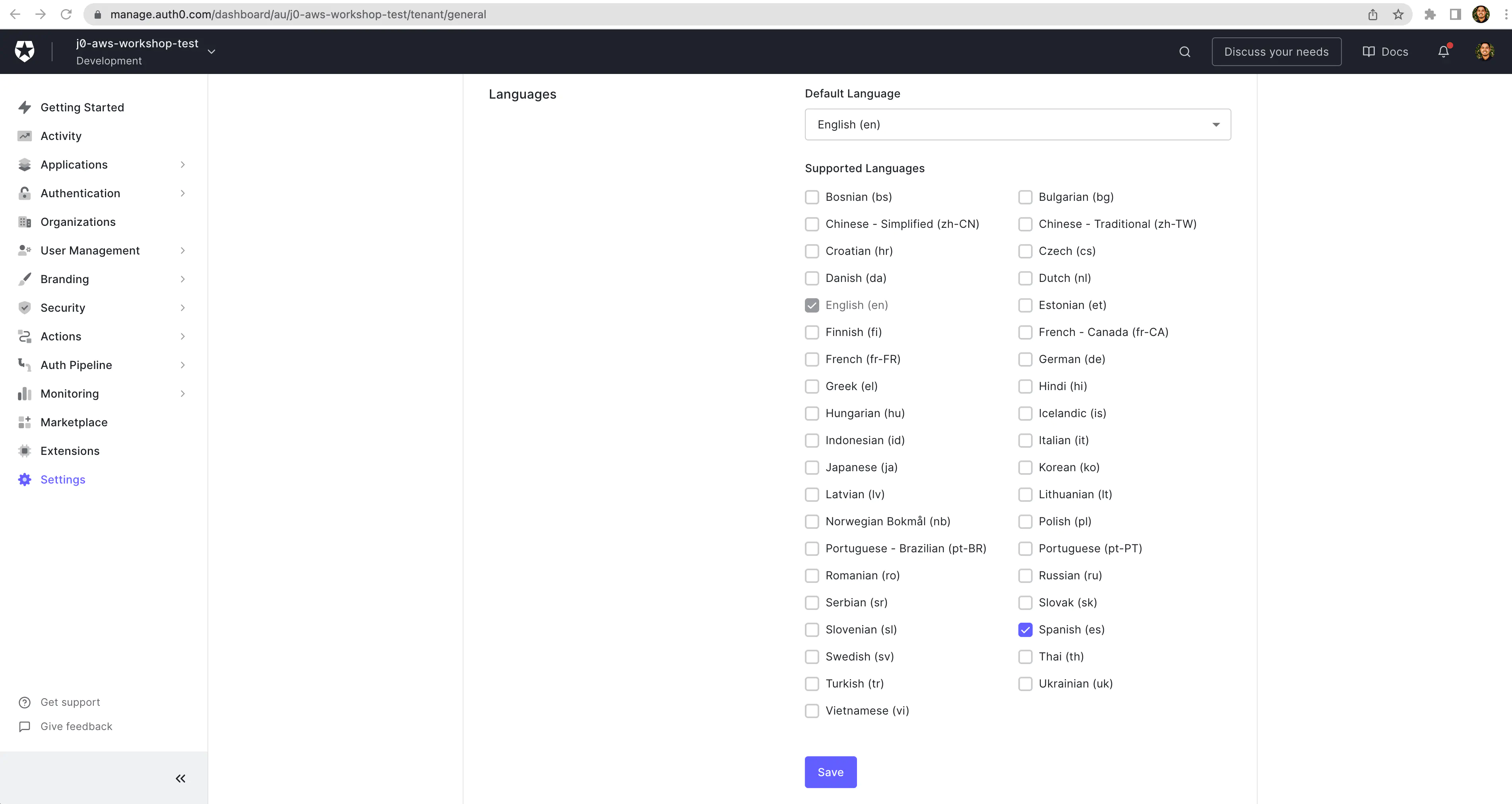
- In the CIC Management Dashboard, got to
Settingson the sidebar - Under the
Generaltab check the checkbox against ‘Spanish’ - Click on
Save
4. Test the different language
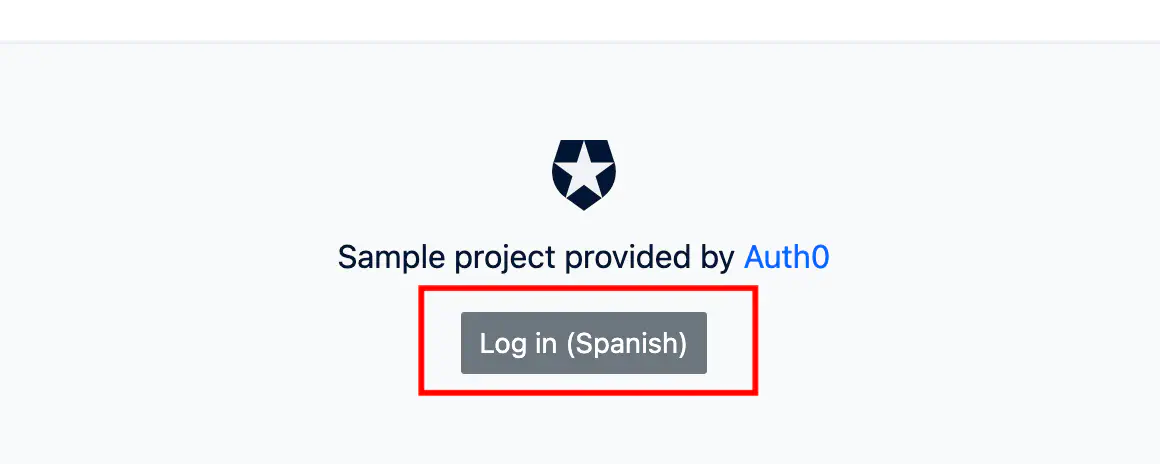
- Open your Glitch application URL
- Go to the bottom of the page and click on
Log in (Spanish)button
3. Done!
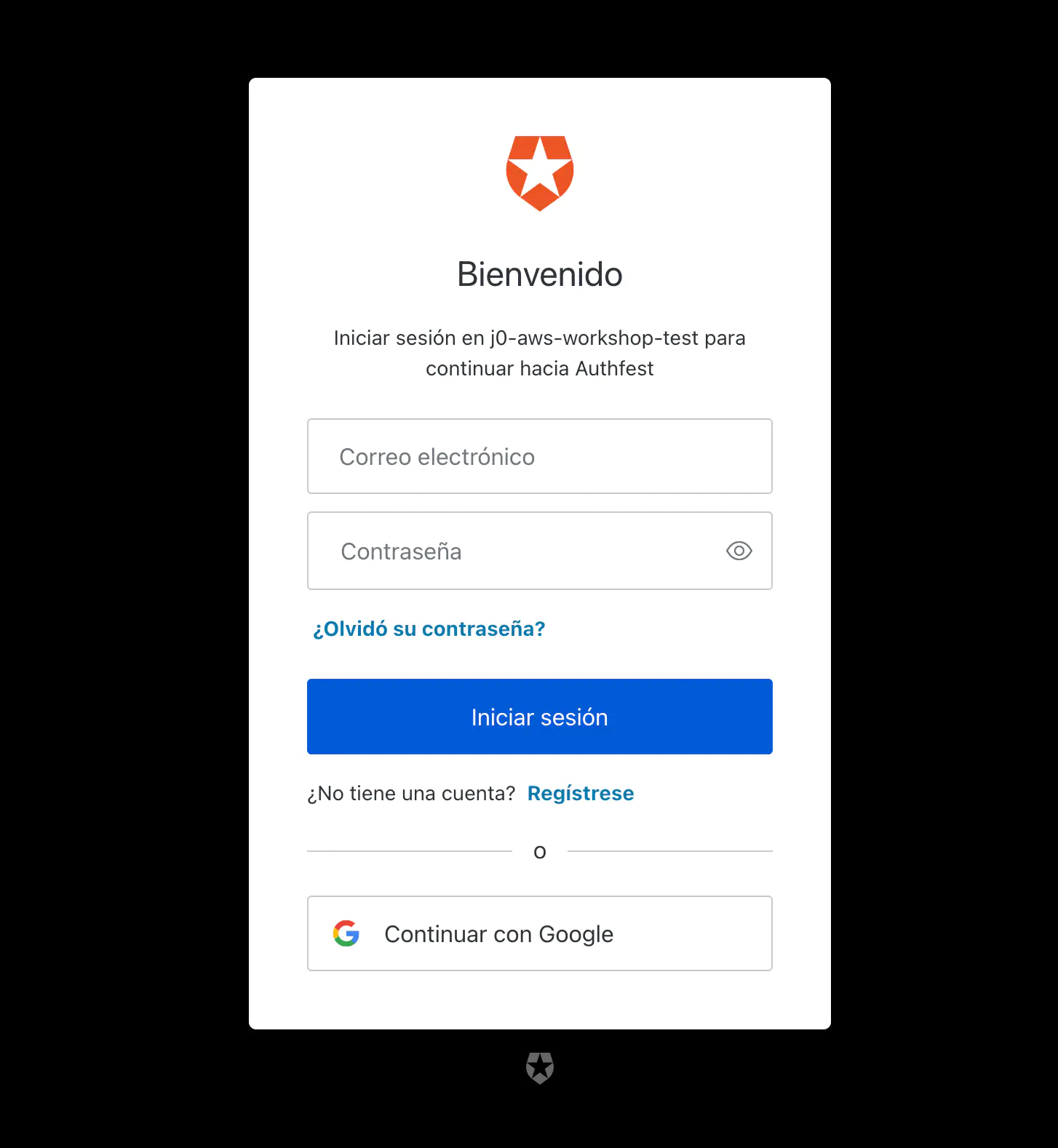
- Confirm the login UI is displayed in Spanish
Congratulations, you’re ready to continue on to the next task