1.6 Login
In this section, you will test your custom application and validate that your test user can authenticate successfully.
Note: To avoid any problems, this should be done on a different browser session than the one you have been using. Opening an incognito tab is the easiest way to do so.
1. Open your glitch app
Launch a new browser profile or incognito tab, paste in the URL from your Glitch Preview Page and then click on “Login”.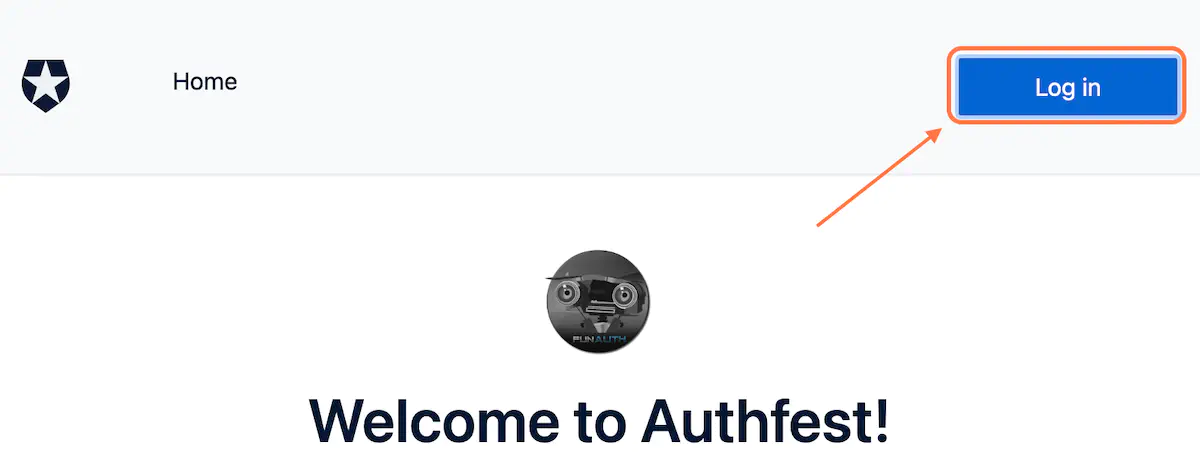
2. Click on Sign up
Since you do not have an account, create a new user.
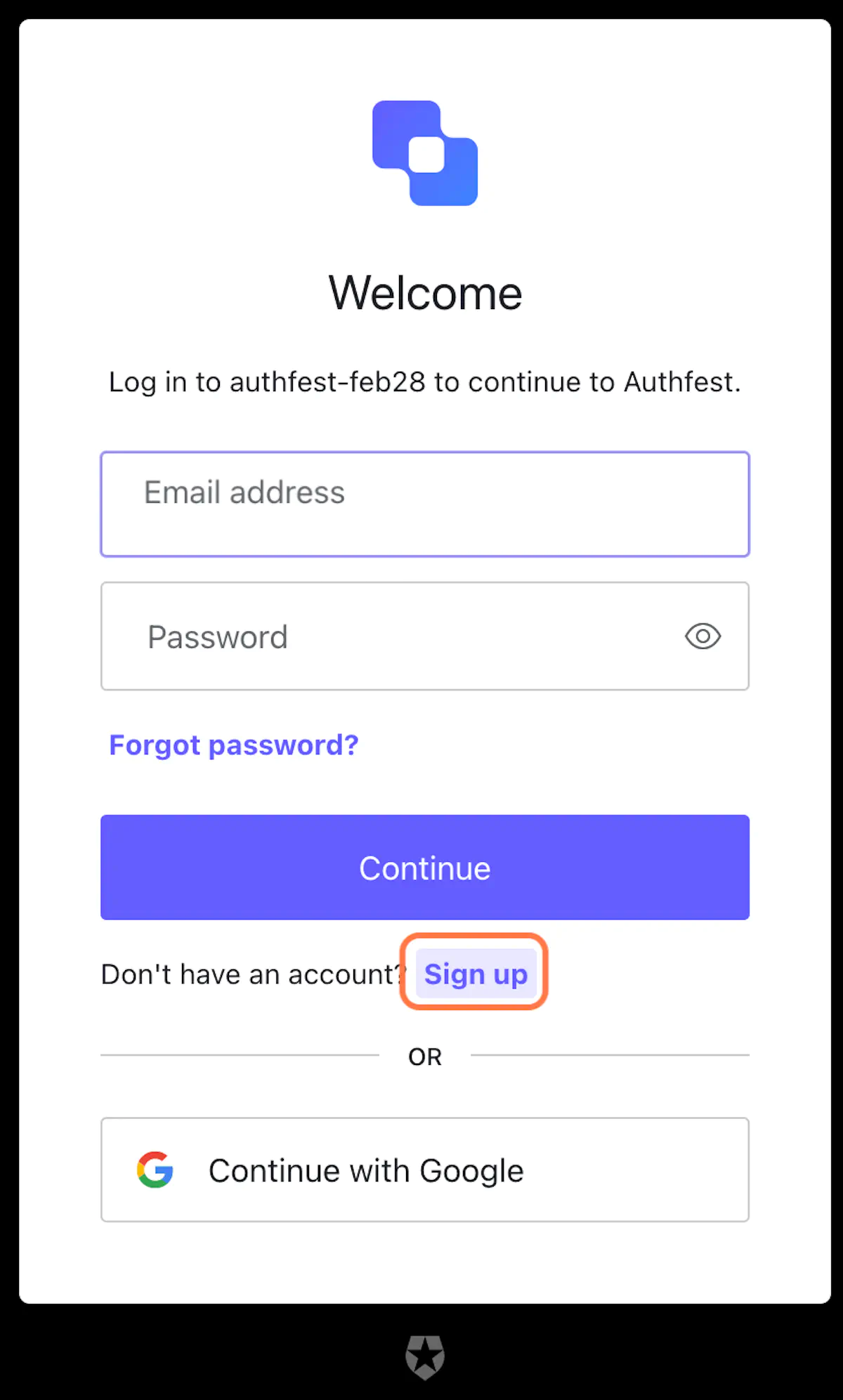
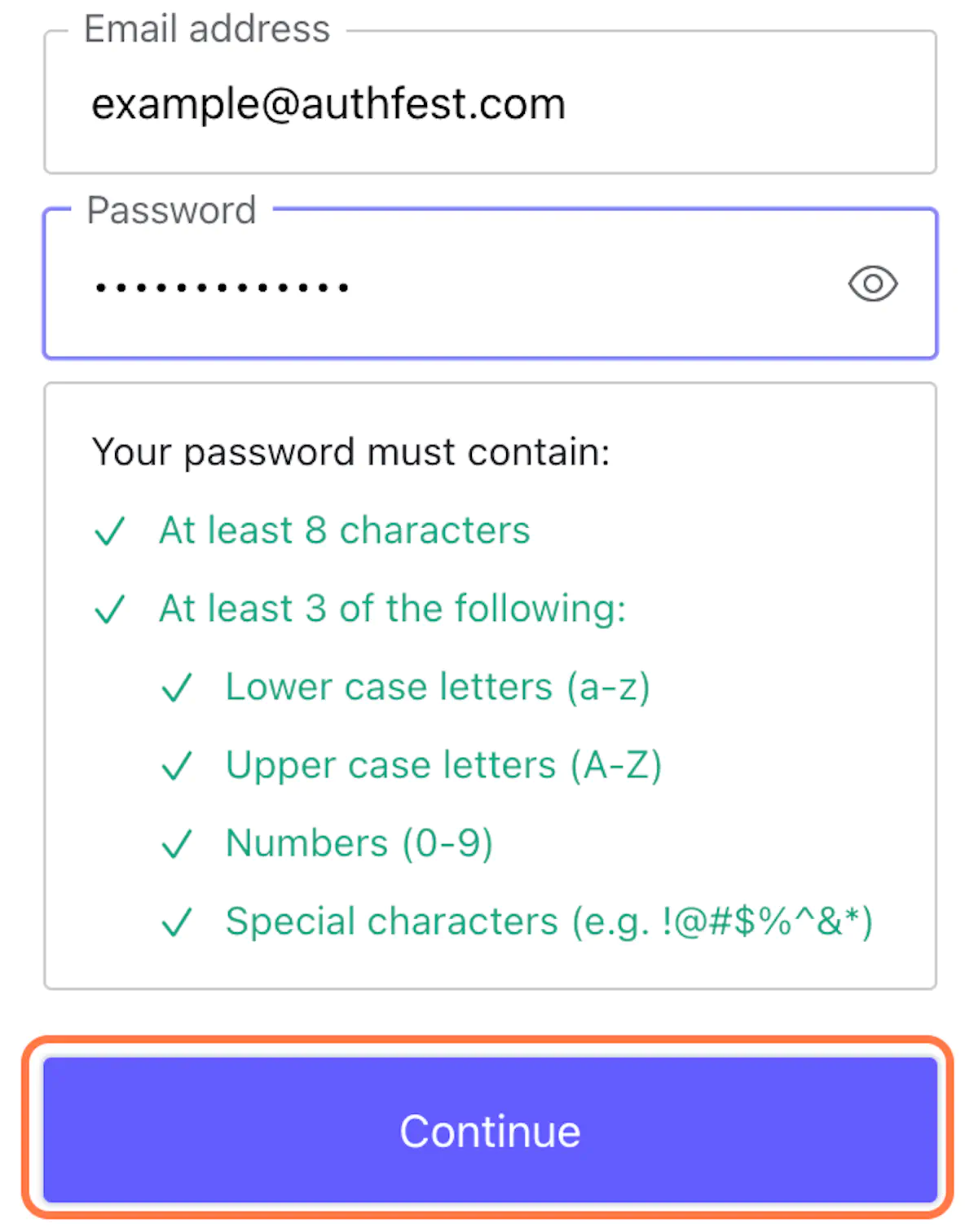
Any credentials would do (as long as you remember them), for example:
Email = [email protected]
Password = Authfest-2023
3. That’s it!
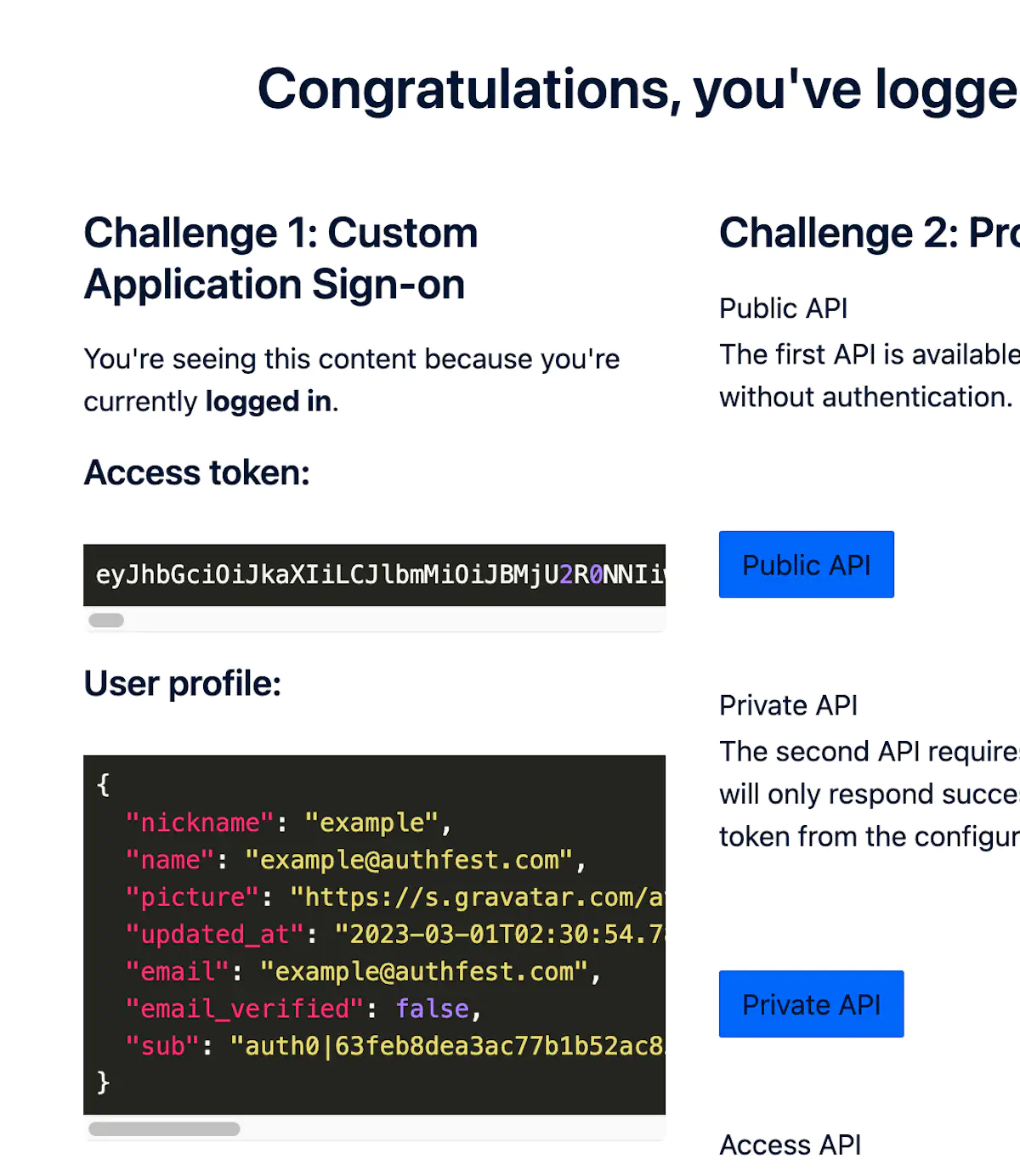
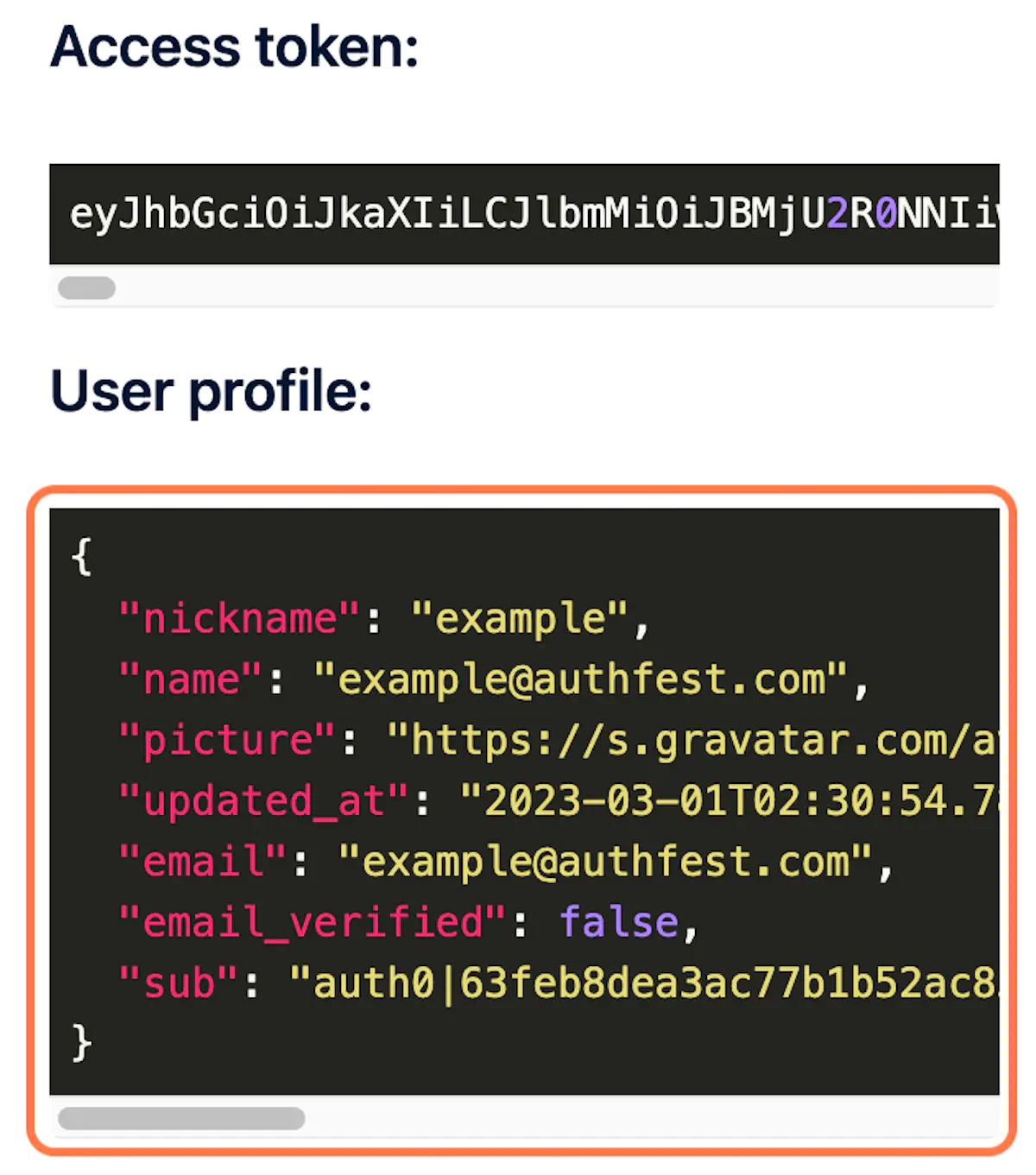
If successful, you will see:
- An updated profile logo in the upper right.
- In the body of the app, you will see your token and user profile.
4. Discuss about the tokens
The token is opaque, but the user data is a JSON object. Why is that?
Note: Detailed information on tokens can be found in the Glossary section of this document.